









Cloud Based CRM Software: A Buyer's Guide to Choosing the Right Platform
Choosing the right cloud based crm software is one of the most impactful decisions a growing business can make. This central hub for customer data dictates how your sales, marketing, and service teams operate, collaborate, and build relationships. Get it right, and you create a streamlined engine for growth; get it wrong, and you're stuck with a clunky, expensive tool that nobody wants to use.
This guide cuts through the noise. We'll walk you through everything you need to know, from the essential features and benefits to a practical framework for making your choice. You'll learn how to evaluate different platforms and find the one that truly fits your team's workflow and budget.
What to Know
- Accessibility and Scalability: Cloud CRM platforms provide secure access to customer data from anywhere, on any device, and can easily scale with your business without requiring new hardware.
- Core Functionality: Essential features to look for include comprehensive contact management, visual sales pipelines, marketing and sales automation, and detailed analytics to track performance.
- The Right Fit is Key: The best CRM isn't the one with the most features, but the one that solves your specific business problems, integrates with your existing tools, and is easy for your team to adopt.
- Top Contenders Serve Different Needs: Solutions like HubSpot CRM excel with their free tier for startups, while Pipedrive focuses on sales pipeline management, and Zoho CRM offers a powerful all-in-one suite for SMBs.
What is Cloud-Based CRM Software, Really?
A cloud-based CRM is a Customer Relationship Management system that is hosted by the software vendor and accessed by your team via the internet. Unlike traditional, on-premise CRM software that you install and maintain on your own servers, a cloud CRM lives online. You simply log in through a web browser or a mobile app, and all your data, tools, and updates are managed for you.
Think of it like the difference between buying a DVD and streaming a movie on Netflix. With the DVD (on-premise), you own the physical disc, but you're responsible for the player, storage, and any scratches or damage. With Netflix (cloud-based), you pay a subscription to access a vast library that's always updated, available on any device, and maintained by someone else.
This model, often called Software-as-a-Service (SaaS), has become the standard for modern business tools. It removes the significant upfront cost and technical burden of managing your own IT infrastructure. This makes powerful online CRM software accessible to businesses of all sizes, from solo entrepreneurs to large enterprises, allowing them to compete on a more level playing field.
The Core Benefits of Moving Your CRM to the Cloud

Switching from spreadsheets or an outdated system to a cloud-based CRM isn't just a minor upgrade; it fundamentally changes how your business operates. The benefits extend far beyond simple contact storage, impacting your efficiency, scalability, and bottom line.
First and foremost is unmatched accessibility. Your team can access critical customer information whether they're in the office, working from home, or meeting a client on the road. All they need is an internet connection. This real-time access ensures everyone is working with the most up-to-date information, eliminating data silos and improving collaboration between departments.

Second, the cost-effectiveness is a major draw. On-premise systems require substantial capital investment in servers, hardware, and IT staff for installation and ongoing maintenance. A web-based CRM flips this model to a predictable monthly or annual subscription fee. This operational expense covers everything: the software, security, updates, and support, significantly lowering the total cost of ownership.
Finally, scalability and reliability are built-in. As your business grows, you can add new users or upgrade your plan with a few clicks—no need to purchase and configure new servers. The CRM provider also handles all security patches and feature updates automatically, so you're always using the latest, most secure version of the software without any downtime or effort from your team.
Must-Have Features in Modern Cloud CRM Solutions
While every CRM has its unique selling points, a core set of features has become standard for any competitive platform. When you're evaluating options, these are the non-negotiables you should look for to ensure the software can support a modern sales and marketing workflow.
1. Contact and Lead Management: This is the foundation. The CRM must provide a 360-degree view of every contact, including their information, communication history (emails, calls, meetings), deal history, and any support tickets. It should be easy to import, segment, and search your contacts.
2. Sales Pipeline Management: A visual pipeline (often a Kanban-style board) is crucial for tracking deals as they move through different stages, from initial contact to closed-won. This feature helps sales managers forecast revenue and identify bottlenecks in the sales process.
3. Automation: Look for automation capabilities that handle repetitive tasks. This can include sending automated follow-up emails, assigning new leads to sales reps, creating tasks when a deal moves to a new stage, and nurturing leads with drip campaigns. Automation frees up your team to focus on high-value activities like building relationships.
4. Reporting and Analytics: You can't improve what you don't measure. A good CRM provides customizable dashboards and reports that track key metrics like sales performance, conversion rates, and marketing campaign ROI. This data is essential for making informed business decisions.
5. Mobile Accessibility: Your team isn't always at their desk. A dedicated mobile app for iOS and Android is essential for logging call notes, updating deal statuses, and accessing contact information on the go. The mobile experience should be intuitive and functional, not just a stripped-down version of the desktop app.
How to Choose the Right Cloud-Based CRM: A Step-by-Step Framework
With hundreds of options on the market, selecting the right cloud CRM can feel overwhelming. Following a structured process ensures you choose a tool that your team will actually use and that delivers a positive return on investment. Use this five-step framework to guide your decision.
Step 1: Define Your Business Goals and Pain Points
Before you even look at a single feature list, ask yourself: what problem are we trying to solve? Are you losing leads because of slow follow-up? Is your customer data scattered across multiple spreadsheets? Do you lack visibility into your sales pipeline? Clearly defining your goals—such as "increase lead conversion rate by 15%" or "reduce time spent on data entry by 5 hours per week"—will give you clear criteria for evaluating software.
Step 2: Identify Your Key Users and Their Needs
Who will be using the CRM every day? A sales development rep has different needs than a marketing manager or a customer support agent. Involve these key stakeholders in the decision-making process. Map out their daily workflows and identify which CRM features would make their jobs easier and more effective. A CRM that your team finds difficult to use will not be adopted, no matter how powerful it is.
Step 3: Map Out Your Budget and Understand Pricing Models
Cloud CRM pricing is typically subscription-based, but the models vary. Most vendors charge per user, per month. Be aware of different pricing tiers that unlock more advanced features. Some, like HubSpot CRM, offer a generous free plan, while others are geared toward larger teams with bigger budgets. Factor in potential hidden costs like implementation fees, data migration services, or charges for premium support.
Step 4: Evaluate Integration Needs
Your CRM doesn't operate in a vacuum. It needs to connect with the other tools you use every day, such as your email client (Gmail, Outlook), calendar, marketing automation platform, and accounting software. Check for native integrations with your critical apps. A robust API (Application Programming Interface) is also important for building custom connections if needed.
Step 5: Shortlist Vendors and Take Advantage of Free Trials
Based on the steps above, create a shortlist of 2-3 CRM providers that seem like a good fit. Nearly every cloud CRM vendor offers a free trial (typically 14-30 days) or a free-forever plan. This is your opportunity to test the software in a real-world environment. Assign a small project team to use the CRM for their daily tasks and gather feedback on its usability, features, and overall feel.
Pro Tip: During the trial period, test the vendor's customer support. Submit a question or two to see how quickly and effectively they respond. Good support can be a lifesaver when you're implementing a new system and training your team.
Top Cloud-Based CRM Software Options for 2025
Here’s a look at four of the best cloud-based CRM platforms, each catering to slightly different business needs. This isn't an exhaustive list, but it represents some of the strongest contenders in the market for small and medium-sized businesses.
1. HubSpot CRM: Best Free Option for Startups
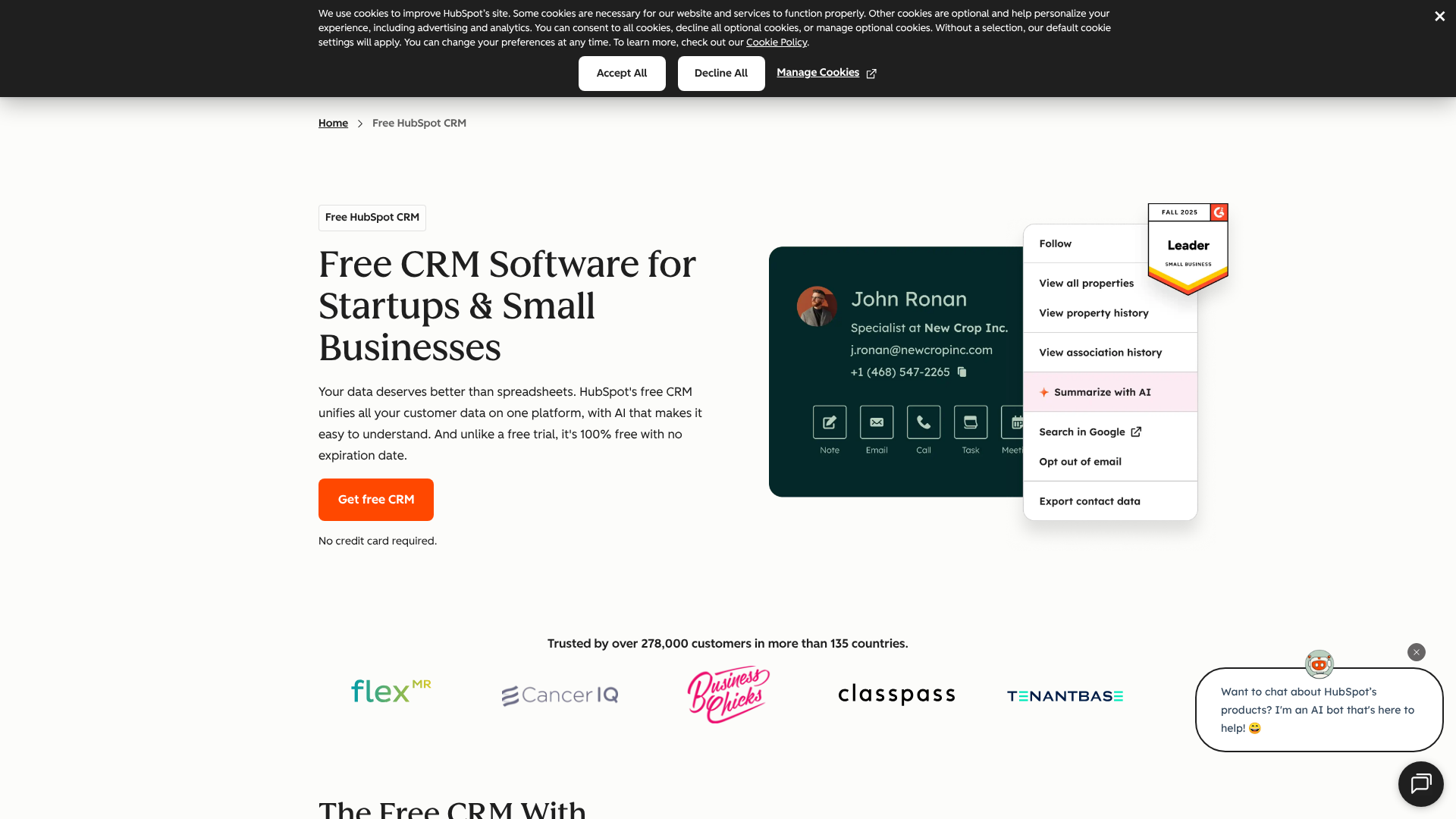
HubSpot's CRM platform is famous for its powerful free-forever plan. It’s not a stripped-down trial; it's a genuinely useful tool that includes contact management, deal tracking, a meeting scheduler, and live chat. This makes it an unbeatable starting point for startups and small businesses that need a central place for customer data without an upfront investment.
Where HubSpot truly shines is its integration with its own Marketing, Sales, and Service Hubs. As your business grows, you can add these paid modules to create a fully unified platform for your entire customer journey. The interface is clean and user-friendly, which helps with team adoption.
Pros
- Generous Free Plan: The free CRM is robust enough to run a small business's sales operations.
- Excellent User Interface: Clean, modern, and easy to navigate, reducing the learning curve.
- All-in-One Platform: Seamlessly integrates with HubSpot's powerful marketing and service tools.
Cons
- Can Get Expensive: Costs can escalate quickly as you add more contacts or move to paid hubs.
- Sales Features Can Be Basic: Advanced sales features require upgrading to the paid Sales Hub Professional tier.
2. Zoho CRM: Best All-in-One for SMBs
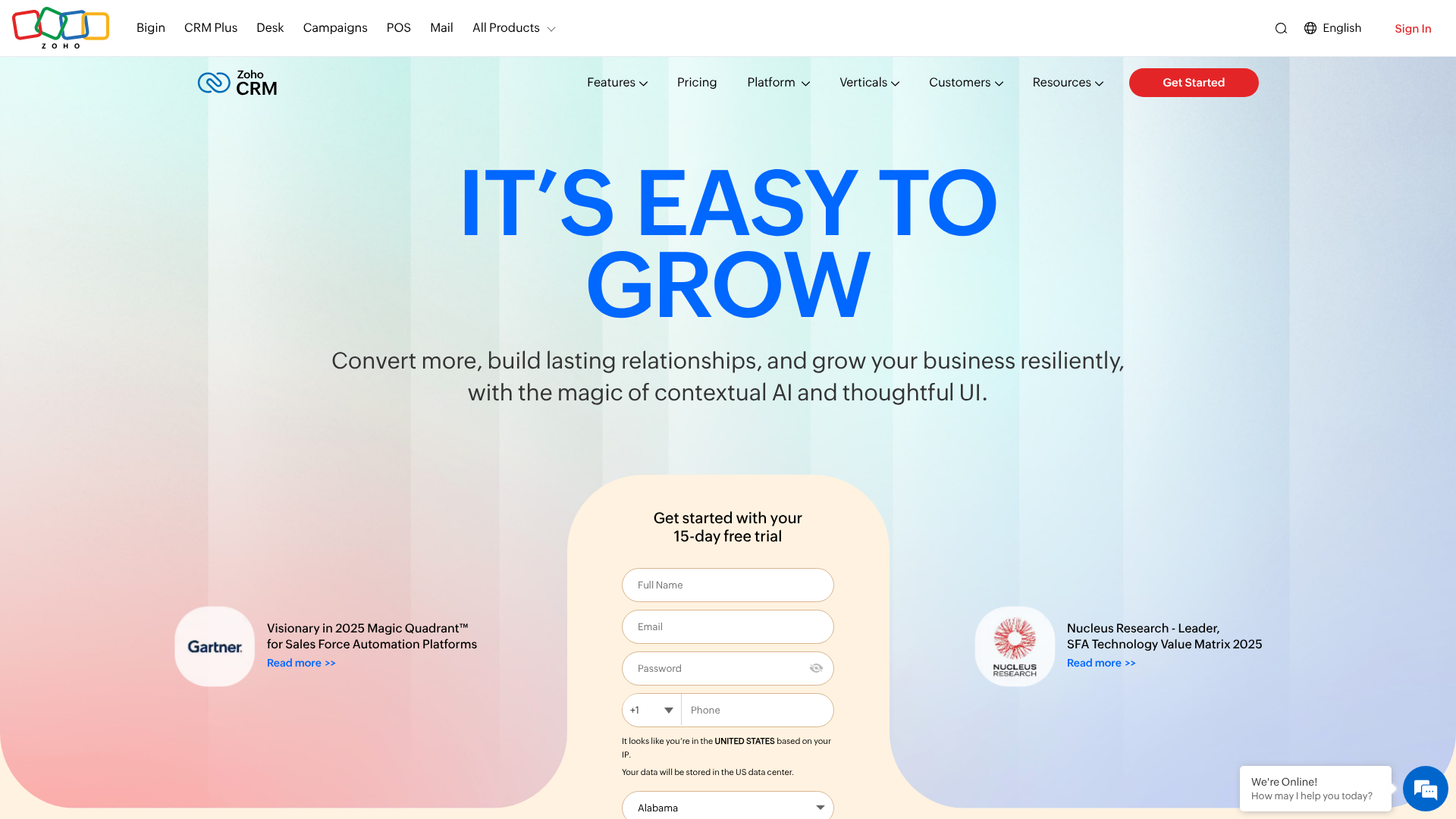
Zoho CRM is a powerhouse, offering an incredible depth of features at a very competitive price point. It goes far beyond standard CRM functionality, incorporating tools for marketing automation, customer surveys, and even inventory management in its higher-tier plans. It's part of the larger Zoho One ecosystem, a suite of over 40 business apps that can run your entire company.
Its AI-powered assistant, Zia, provides intelligent suggestions, predicts deal closures, and automates tasks, giving it an edge in analytics. For businesses that want a highly customizable and feature-rich platform without the enterprise-level price tag, Zoho CRM is an excellent choice.
Pros
- Feature-Rich: Offers a vast array of features, including advanced analytics and AI.
- Great Value: Provides enterprise-grade functionality at an SMB-friendly price.
- Highly Customizable: Can be tailored to fit unique business processes and workflows.
Cons
- Can Be Overwhelming: The sheer number of features can create a steep learning curve for new users.
- UI Feels Dated to Some: The interface isn't as modern or intuitive as some competitors.
3. Pipedrive: Best for Sales-Focused Teams
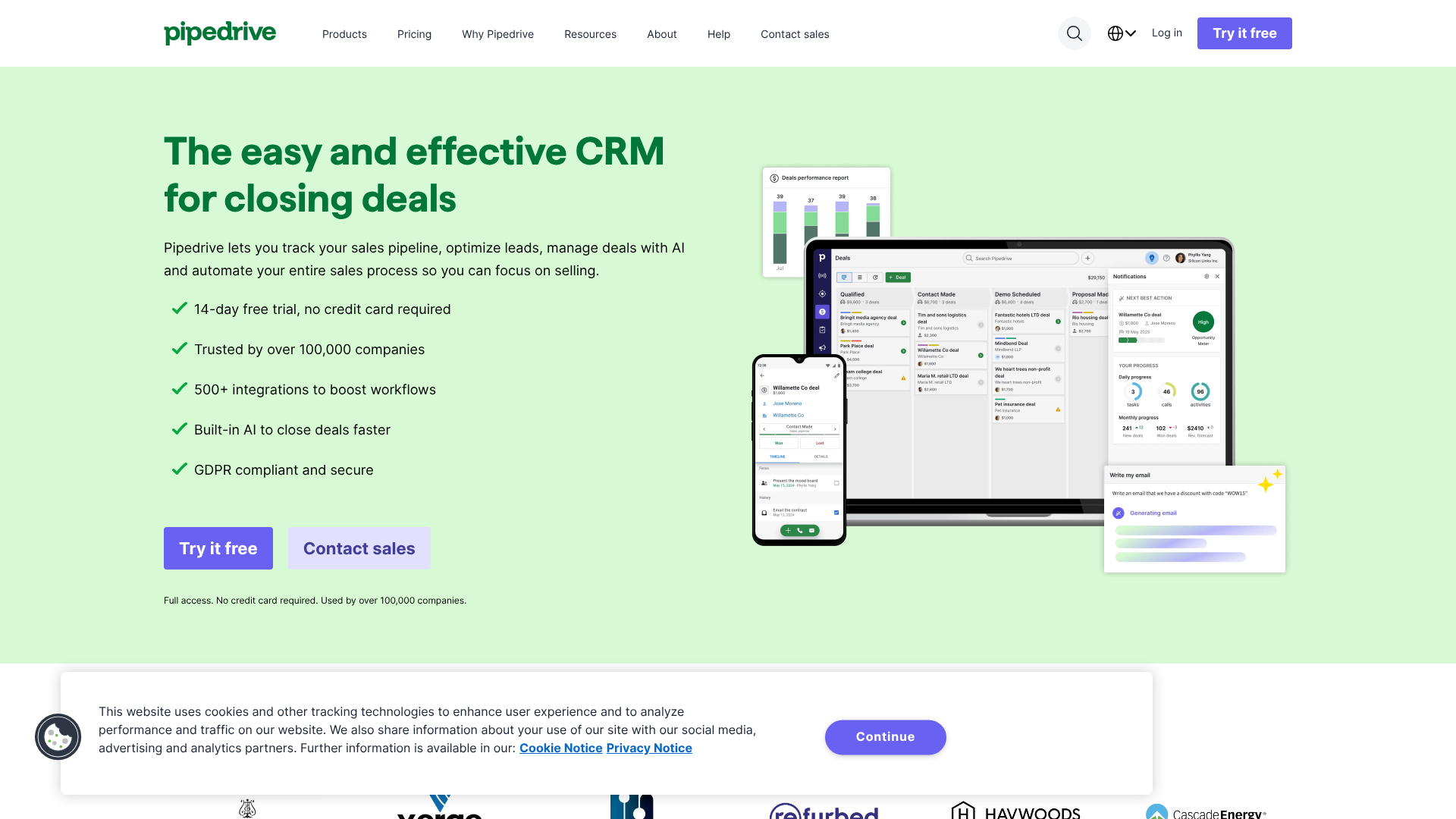
Pipedrive was built by salespeople, for salespeople, and it shows. Its core strength is its clean, visual sales pipeline that makes it incredibly easy to track deals and focus on the activities that lead to sales. The entire platform is designed around the concept of activity-based selling, prompting reps to schedule their next action (a call, email, or meeting) for every deal.
It's less of an all-in-one business suite and more of a specialized tool for managing the sales process exceptionally well. If your primary goal is to give your sales team a simple, powerful tool to help them close more deals, Pipedrive is one of the best options available. Its simplicity is its greatest strength.
Pros
- Intuitive Pipeline View: The drag-and-drop interface is extremely easy to learn and use.
- Activity-Based Focus: Helps keep sales reps organized and focused on revenue-generating tasks.
- Strong Mobile App: The mobile experience is well-designed and highly functional.
Cons
- Limited Marketing Features: Lacks the built-in marketing automation found in platforms like HubSpot or Zoho.
- Pricing Can Add Up: Features like lead routing and advanced reporting are locked behind higher-priced tiers.
4. Close CRM: Best for High-Volume Sales Teams
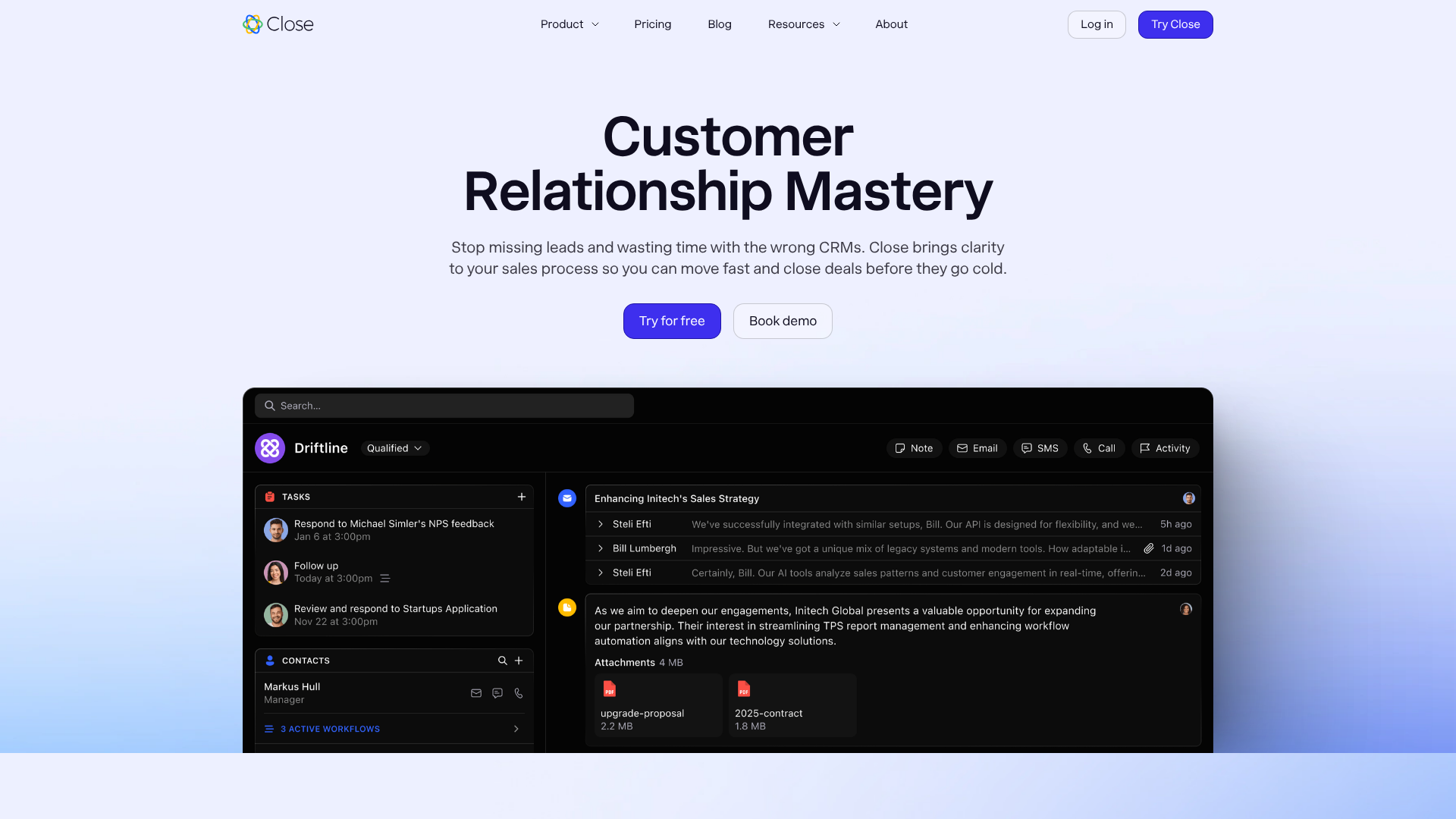
Close CRM is built for speed and efficiency, specifically for inside sales teams that make a high volume of calls and send a lot of emails. Its standout feature is the built-in Power Dialer, which allows reps to call through a list of leads automatically without ever leaving the CRM. All communication—calls, emails, and texts—is automatically logged in a single timeline view.
This focus on communication makes it a productivity machine for sales development reps (SDRs) and account executives. It strips away the complexity of other CRMs to focus on one thing: enabling salespeople to communicate with more prospects in less time. If your sales process is heavily reliant on outreach, Close is a top contender.
Pros
- Built-in Communication Tools: Power Dialer, email sequences, and SMS are all integrated.
- Focus on Efficiency: Designed to minimize clicks and maximize sales activity.
- All-in-One View: All prospect interactions are visible in a single, easy-to-scan timeline.
Cons
- Niche Focus: Not ideal for businesses with complex marketing needs or field sales teams.
- Less Customizable: Offers fewer customization options for pipelines and reporting compared to others.
Comparison at a Glance
| Feature | HubSpot CRM | Zoho CRM | Pipedrive | Close CRM |
|---|---|---|---|---|
| Best For | Startups, All-in-one marketing | SMBs needing deep features | Sales-focused teams | High-volume outreach |
| Free Plan | Yes, very generous | Yes, for up to 3 users | No (14-day trial) | No (14-day trial) |
| Standout Feature | Free tools & marketing suite | AI assistant (Zia) & ecosystem | Visual sales pipeline | Built-in Power Dialer |
| Ease of Use | Excellent | Moderate | Excellent | Very Good |
The Power of Connection: Integration Capabilities of Web-Based CRM

The true power of a modern web-based CRM is its ability to act as a central nervous system for your business technology. A CRM that doesn't connect with your other essential tools creates data silos and forces your team into time-consuming manual data entry. That's why evaluating integration capabilities is a critical step in the selection process.
Native integrations are the easiest to set up. These are pre-built connections to popular applications like Gmail, Outlook 365, Slack, Mailchimp, and QuickBooks. With just a few clicks, you can sync data between platforms, for example, logging emails sent from Gmail directly into a contact's record in the CRM.
Beyond native integrations, look for platforms that connect with services like Zapier. Zapier acts as a bridge between thousands of web apps, allowing you to create automated workflows (called "Zaps") without writing any code. For instance, you could create a Zap that automatically adds a new lead to your CRM whenever someone fills out a form on your website.
For businesses with unique needs or proprietary software, a robust API is essential. An API allows your developers to build custom integrations, giving you complete control over how data flows between your CRM and other systems. A well-documented API is a sign of a mature and flexible platform.
Navigating the Hurdles: Implementation Challenges and Considerations
Choosing a cloud CRM is only the first step; successfully implementing it is where many businesses stumble. Being aware of the common challenges ahead of time can help you plan for a smoother transition and ensure your team actually adopts the new system.
One of the biggest hurdles is data migration. Moving your existing customer data from spreadsheets, old software, or multiple sources into the new CRM can be complex. Inaccurate or "dirty" data is a major problem. Before migrating, take the time to clean your data: remove duplicates, correct errors, and standardize formatting.
Most CRM vendors offer tools or services to help with this process, but it still requires careful planning.
Another significant challenge is user adoption. People are often resistant to change, especially when it involves learning a new tool that alters their daily routine. The key to overcoming this is comprehensive training and clear communication about the benefits. Don't just show them how to use the CRM; explain why it will make their jobs easier and help them be more successful.
Start with a small pilot group of enthusiastic users to build momentum and create internal champions for the new system.
Finally, avoid the temptation to over-customize the CRM from day one. While customization is a key benefit, starting with a complex setup can be overwhelming. Begin with the out-of-the-box configuration and focus on getting the basics right. You can introduce more advanced workflows and custom fields gradually as your team becomes more comfortable with the platform.
Why User Experience (UX) Matters in Your Online CRM
In the world of business software, functionality often gets all the attention. But when it comes to an online CRM, the user experience (UX) and interface design are just as important as the feature list. A powerful CRM that is clunky, confusing, or slow will lead to poor user adoption, inaccurate data, and ultimately, a failed investment.
A well-designed CRM should feel intuitive. Your team members should be able to log in and perform their core tasks—like adding a new contact, updating a deal, or logging a call—with minimal training. The layout should be clean, uncluttered, and logical, presenting the most important information clearly without overwhelming the user with options.
Think about the daily workflow of your team. A sales rep needs to quickly find a phone number, log notes after a call, and see their upcoming tasks at a glance. If these simple actions require navigating through multiple menus and clicks, frustration will build, and they'll revert to their old methods. This is why testing the software during a free trial is so crucial.
Pay close attention to how it feels to use the platform for everyday tasks. A positive user experience is the single biggest factor in ensuring your team embraces the new tool.
Is Your Data Safe? Security in Cloud-Based CRM Software
Handing over your most valuable asset—your customer data—to a third-party provider can feel daunting. It's natural to have concerns about security. However, reputable cloud CRM providers invest far more in security infrastructure and expertise than the average small or medium-sized business could ever afford to on its own.
When evaluating a vendor, look for key security measures. Data encryption is fundamental; data should be encrypted both in transit (as it travels over the internet) and at rest (while stored on their servers). Regular security audits and certifications, such as SOC 2, demonstrate a provider's commitment to maintaining high security standards.
Also, consider data governance and compliance. The provider should have clear policies on data ownership (you should always own your data) and be compliant with regulations relevant to your business, such as GDPR for handling data of EU citizens or HIPAA for healthcare information. Look for features like user permissions and role-based access control, which allow you to define who within your organization can see, edit, or export specific data. This prevents unauthorized access and protects sensitive information.
The Future of Customer Relationships: Trends in Cloud CRM Technology
The world of cloud CRM is constantly evolving. Staying aware of emerging trends can help you choose a forward-thinking platform that will continue to provide value for years to come. Three key trends are shaping the future of customer relationship management.
First, Artificial Intelligence (AI) and Machine Learning are becoming standard. AI is moving beyond a buzzword to deliver real value. It powers predictive lead scoring to help sales teams prioritize their efforts, provides intelligent recommendations for the next best action to take with a customer, and automates data entry by pulling information from emails and other sources. As AI becomes more integrated, CRMs will transform from passive databases into proactive assistants.
Second, the demand for hyper-personalization is growing. Customers expect businesses to understand their individual needs and history. Future CRMs will use data from all touchpoints to build even richer customer profiles, enabling highly targeted marketing, personalized sales outreach, and proactive customer service. This allows businesses to create a truly one-to-one relationship with their customers at scale.
Finally, we're seeing the rise of vertical-specific CRMs. While general-purpose CRMs are highly flexible, some industries have unique workflows and data requirements. We're seeing more CRMs designed specifically for industries like real estate, financial services, or non-profits. These platforms come with pre-built modules, terminology, and compliance features tailored to the specific needs of that industry, reducing the need for extensive customization.
Frequently Asked Questions About Cloud CRM
What is cloud-based CRM software?
Cloud-based CRM software is a tool for managing all your company's relationships and interactions with customers and potential customers, which is hosted online by a vendor. Instead of installing it on your own servers, you access it through the internet. This model offers benefits like lower upfront costs, automatic updates, and the ability to access your data from anywhere.
What are the 4 types of CRM?
CRMs are often categorized by their primary function. The four main types are: Operational CRM, which streamlines business processes involving sales, marketing, and service (e.g., pipeline management); Analytical CRM, which focuses on analyzing customer data to inform business decisions (e.g., reporting); Collaborative CRM, which focuses on improving communication and data sharing between teams; and Strategic CRM, which centers on building and maintaining long-term customer relationships.
Is Salesforce CRM cloud-based?
Yes, Salesforce is one of the pioneers and the largest provider of cloud-based CRM software. Its entire platform is built on a multi-tenant cloud architecture, meaning all its customers access the software over the internet and receive updates automatically. It is a prime example of a SaaS (Software-as-a-Service) CRM.
What is the easiest CRM software to use?
Ease of use is subjective and depends on your team's technical skill and specific needs. However, platforms like Pipedrive are frequently praised for their simplicity and intuitive, visual interface designed specifically for salespeople. HubSpot CRM is also known for its clean design and user-friendly experience, making it a popular choice for those new to CRM.
Is Excel a CRM software?
No, Excel is not a CRM. While it can be used to store a list of contacts, it lacks the core functionalities of a true CRM. It cannot automate communication, track interactions in real-time, provide collaborative access for a team, or generate insightful reports on sales performance. Using Excel as a CRM often leads to data entry errors, lost information, and a lack of visibility into customer relationships.
Final Thoughts: Making Your Decision
Choosing the right cloud based CRM software is a strategic decision that can provide a powerful foundation for your company's growth. The key is to look beyond flashy feature lists and focus on your specific business needs, your team's workflow, and your long-term goals. The best platform is the one that empowers your team to build better customer relationships, not the one that simply has the most bells and whistles.
Start by defining your problems, involve your team in the process, and take full advantage of free trials to test your top contenders in a real-world setting. For many businesses, starting with a powerful free option like HubSpot CRM is a great way to get organized, while teams focused purely on sales might find the simplicity of Pipedrive to be a perfect fit. For those needing an all-in-one suite, Zoho CRM offers incredible value.
By following a structured approach, you can confidently select a CRM that will serve as a valuable asset for years to come, helping you turn scattered data into meaningful relationships and sustainable revenue.